Wi-Fi Only Upload
Avlix Cloud allows you to set uploads and downloads to work only when your device is connected to Wi-Fi. This feature helps save mobile data if your cellular plan has limited bandwidth.
Mobile App
To adjust your network preferences:
Open the Avlix Cloud app on your device.
Tap the menu icon (three lines) in the top corner.
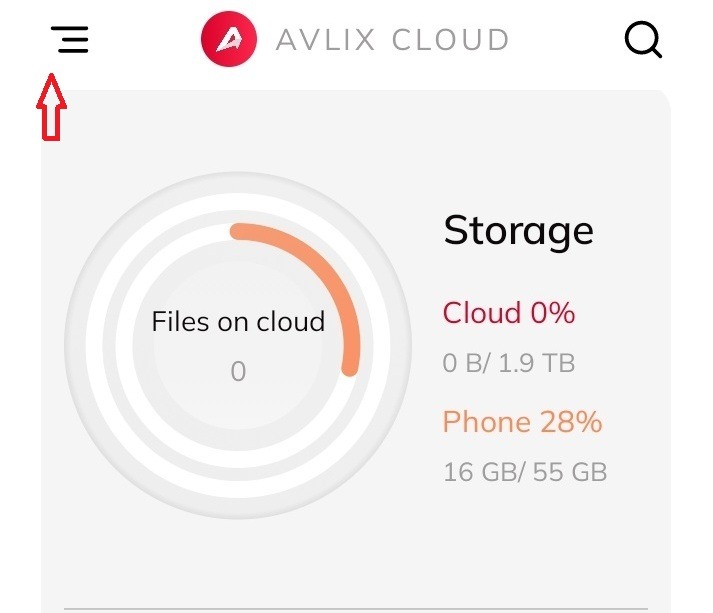
3. Under the Network section, choose one of the options:
Wi-Fi Only: Files such as photos, videos, music, and documents will upload or download only when Wi-Fi is available.

When Wi-Fi-only mode is active, small previews and basic file details may still load to help you navigate your storage.
Was this article helpful?
That’s Great!
Thank you for your feedback
Sorry! We couldn't be helpful
Thank you for your feedback
Feedback sent
We appreciate your effort and will try to fix the article