Uploading Files and Folders
Adding files to Avlix Cloud takes just a few moments. You can upload photos, videos, documents, or any other files directly from your computer or mobile device.
To upload content, log in to your Avlix Cloud account through the website or use the mobile app.
To upload one or more files from your phone:
Open the Avlix Cloud app.
Tap the “Add file” icon.
Choose Upload.
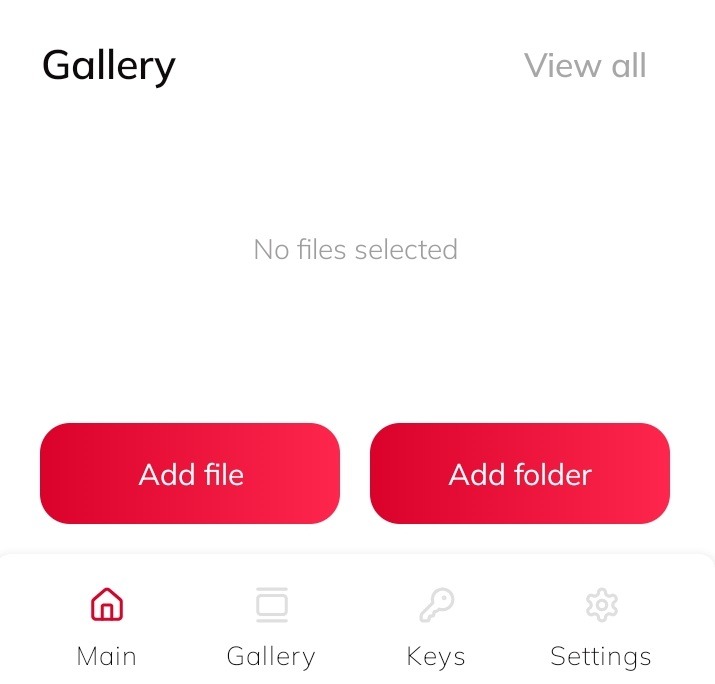
4. Select the files or folders you want to add.
5. Tap Upload again to confirm.
6. Wait for the process to complete.
Done!
Your files are now safely stored in Avlix Cloud and ready to access anytime.
Was this article helpful?
That’s Great!
Thank you for your feedback
Sorry! We couldn't be helpful
Thank you for your feedback
Feedback sent
We appreciate your effort and will try to fix the article