How to Download and Install Avlix Antivirus on Android
Download and Install
Log in to your Avlix account on your Android device.
In your dashboard, go to the Antivirus section.
Tap the Download button.
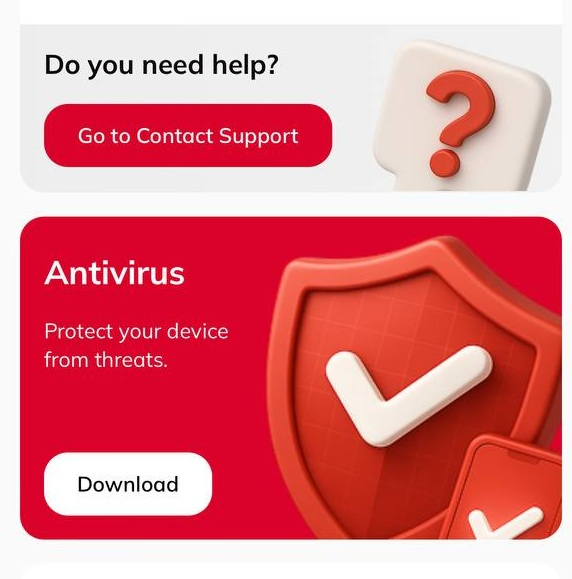
4. Confirm installation when prompted and wait for the app to finish installing.
Login
Open the Avlix Antivirus app.
Tap Login.
In most cases, the app will recognize your account automatically.
If automatic login doesn’t work, enter the email address you used for registration.
Your password will be sent to that email — check your inbox and use it to sign in.
Troubleshooting
If you have problems downloading or installing Avlix Antivirus, visit the Help Center for step-by-step solutions.
Was this article helpful?
That’s Great!
Thank you for your feedback
Sorry! We couldn't be helpful
Thank you for your feedback
Feedback sent
We appreciate your effort and will try to fix the article